Our Blog

Read the Latest News

Designing & Printing Banners in the Workshop

Interested in printing a vinyl banner in the Workshop? Read below for more information.

Getting Started

You must be a Plain City Public Library cardholder to use The Workshop. Learn more about registering for a library card here. Each group or individual using The Workshop is permitted to print up 16 ft of banner material per month.

Design

As The Workshop is a DIY space, you will need to design your own banner for printing. This can be done using any design platform.  Some examples include Canva, Adobe Illustrator, Adobe Photoshop, Gimp, and Inkscape. Of these, Gimp, Inkscape, and Canva (web-based basic account) are free to use. 

We recommend Canva for beginners due to its ease of use and web-based interface.  They offer account set-up and several banner templates for free. You’ll find 3 sizes of banner templates within Canva that can be used with our printer.  These are Small: 48×24 in, Medium: 72×36 in,  and Large: 96×48 in. We suggest you stick with these if possible.

Download your design as either a (raster image) PNG file at 300 ppi resolution or as a (vector image) SVG or EPS file. If using a PNG file, you’ll also want to download it at as large a file as possible to ensure a good quality print. Low-resolution files can result in blurriness/pixelation and a poor quality print. Keep in mind that when you add elements or your own images in design platforms like Canva, you’ll want those to be at a sufficiently high resolution as well to achieve good quality prints. 

Appointments and File Upload

Visit plaincitylib.org/workshop to request an appointment and share your banner file with Workshop staff. The Workshop does accept walk-ins, but making an appointment will ensure that your Workshop experience runs smoother. Appointments allow staff to take a look at your design ahead of time and point out any changes that should be made to ensure a better print. Appointments also allow staff to be ready for you when you arrive, with the correct material loaded into the equipment.

Printing

Your banner will be printed using the Workshop’s Mimaki CJV150-130 Wide Format Eco Solvent Printer. Workshop staff will convert your image to EPS if needed, load your file into the printer’s software, and get your final approval before printing.

Depending on the size and complexity of your banner, printing can take more than 2 hours. You must be present in the Workshop while your banner is printing. If you have more than one banner, we suggest a second appointment. 

Finishing

When your banner is finished printing, you will need to trim around the edges of the banner and install grommets for hanging if desired. The Workshop has all of the equipment needed for you to finish your banner.

Payment

The Workshop charges only for materials used. In the case of a banner that would include the banner material, a small ink charge, and grommets. As of 3/12/26 the costs for these items are:

Banner material – $0.78/linear ft.

Mimaki Ink – $0.60/cc

Grommets – $0.20/set
Make It In The Workshop!

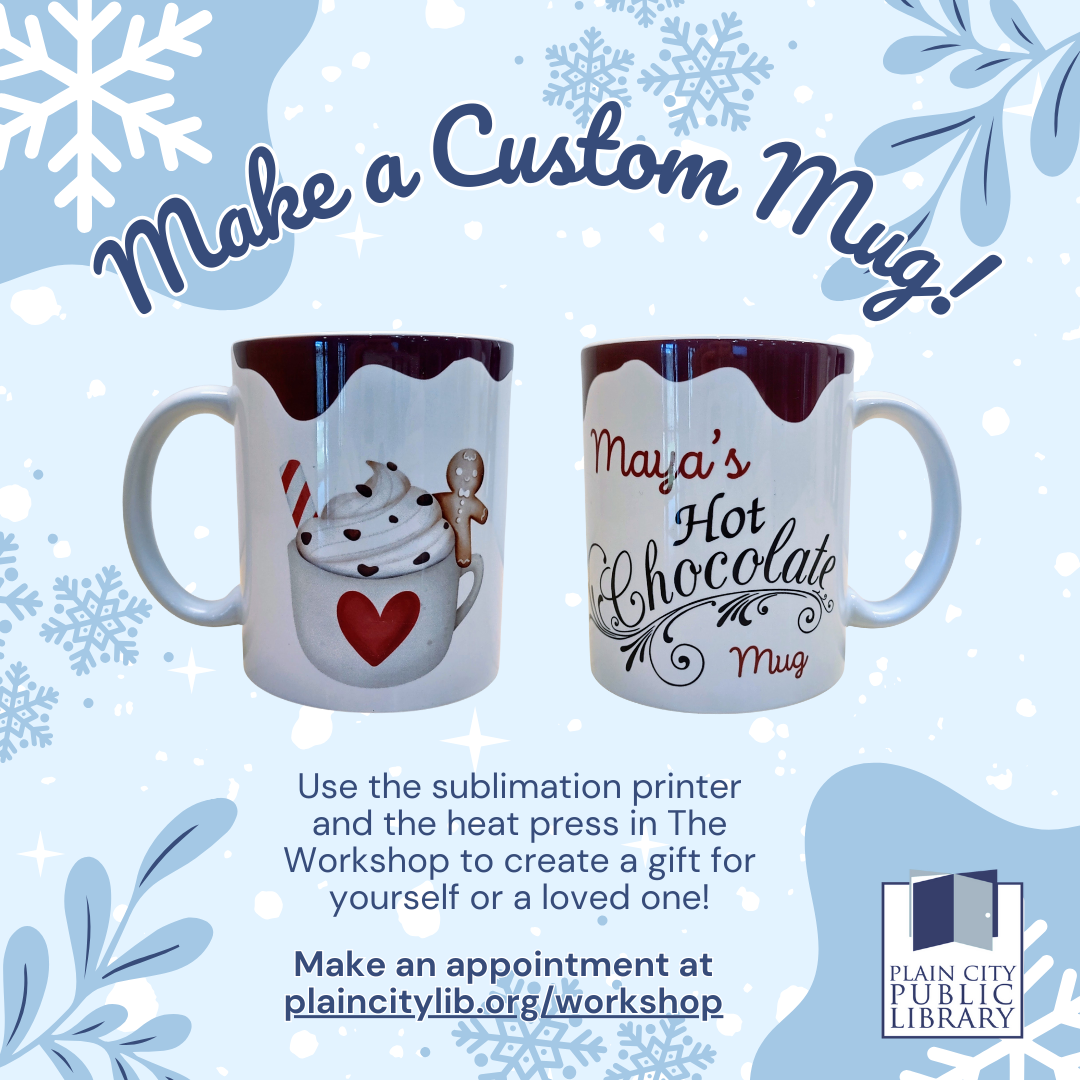
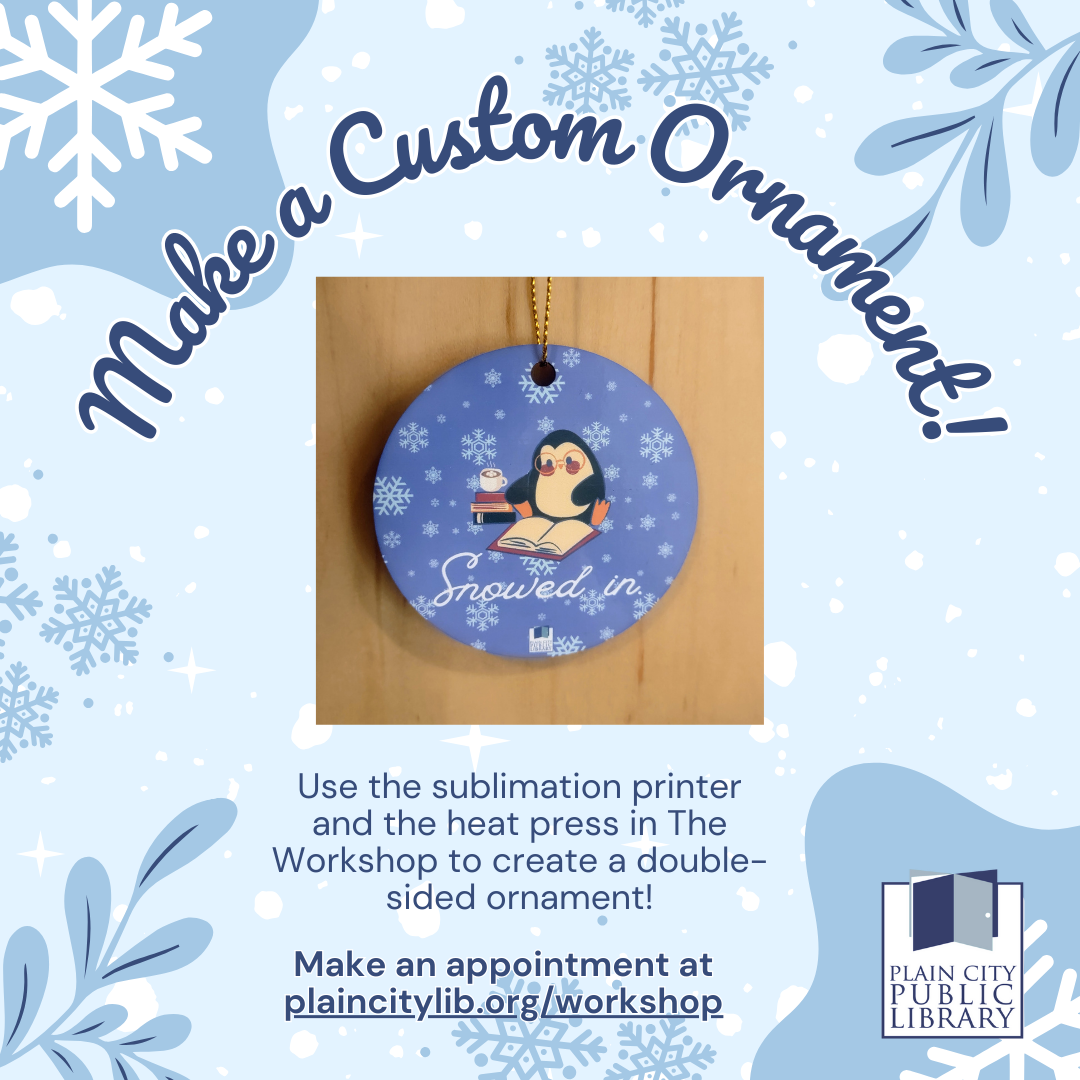
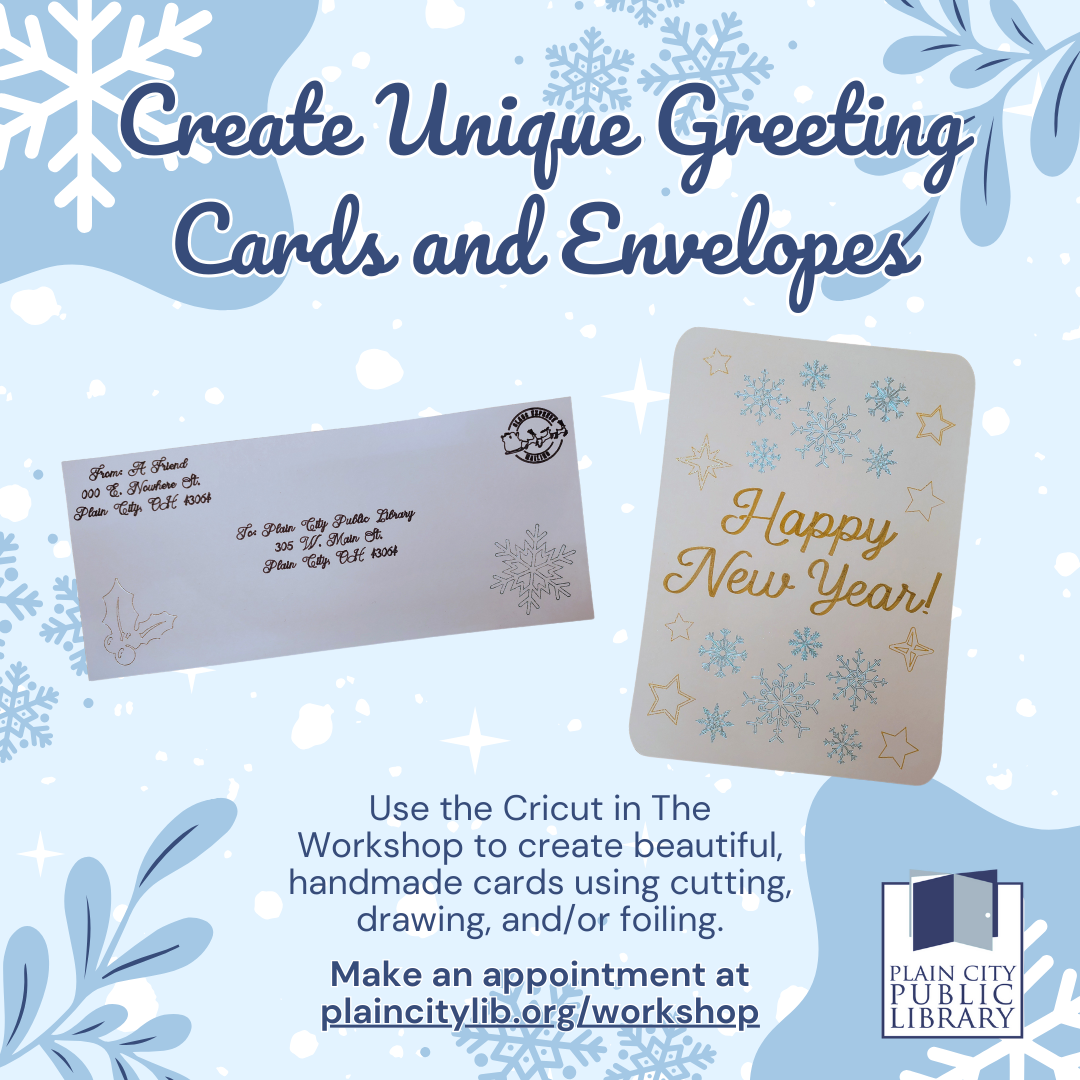
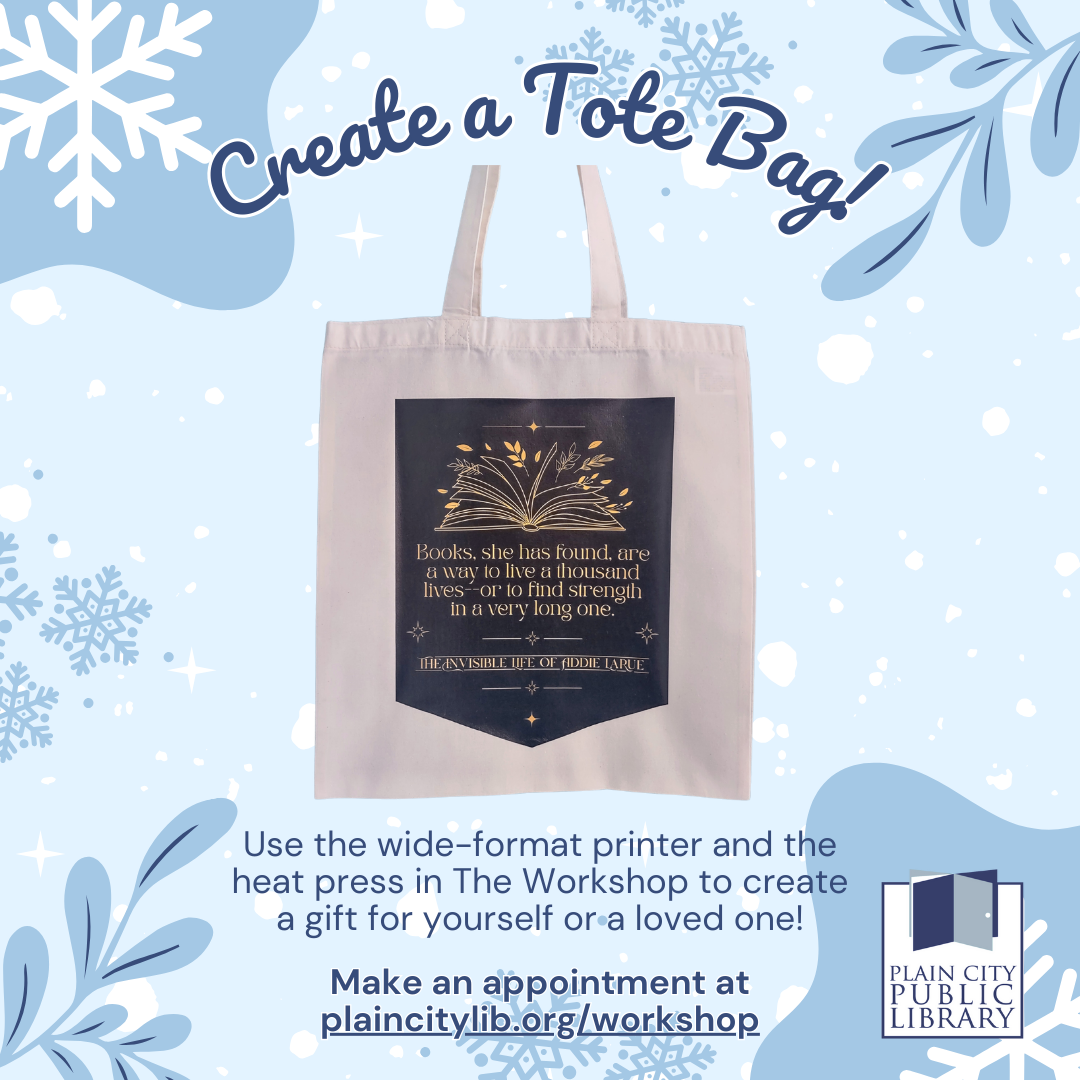
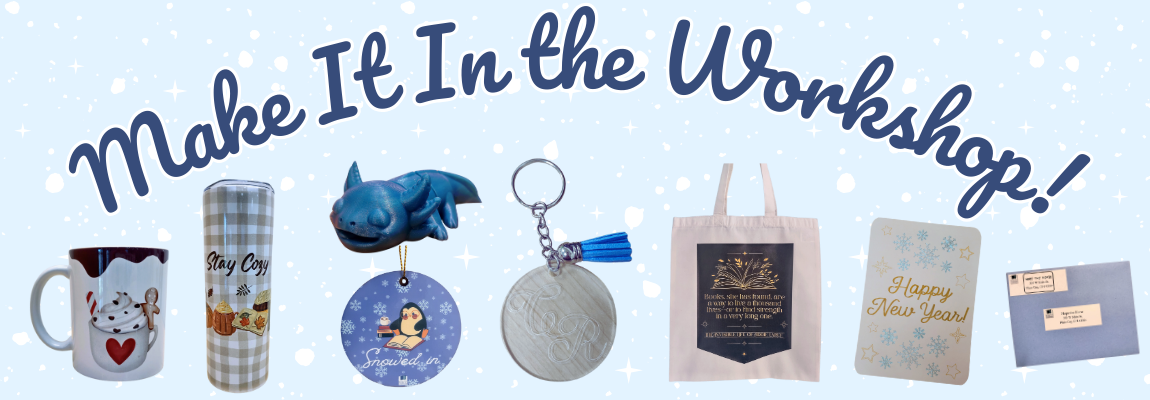
Plain City Public Library cardholders are invited to visit The Workshop this December, or anytime throughout the year, to create unique, personalized gifts. Check out samples of what you can make below. To learn more about any of these projects or to request an appointment, visit https://www.plaincitylib.org/workshop/

Whether you prefer hot drinks or cold drinks, The Workshop has you covered. The library has both blank ceramic mugs and stainless steel tumblers available for purchase that can be customized using our sublimation printer and heat press.

The Workshop has new double-sided blank sublimation ornaments available for purchase. With our sublimation printer and heat press, you can create a custom ornament for yourself or as a gift.

Planning on sending greeting cards soon? Well The Workshop has tools that can help! The Cricut Maker 3 can help you create one-of-a-kind cards and envelopes with its cutting, drawing, and foiling capabilities. Or you can print and cut custom address labels and gift tags on our wide-format printer.

Creating a custom tote bag in The Workshop is easy. Just print your design onto our heat-transfer vinyl, then use the heat press to apply it to the tote.

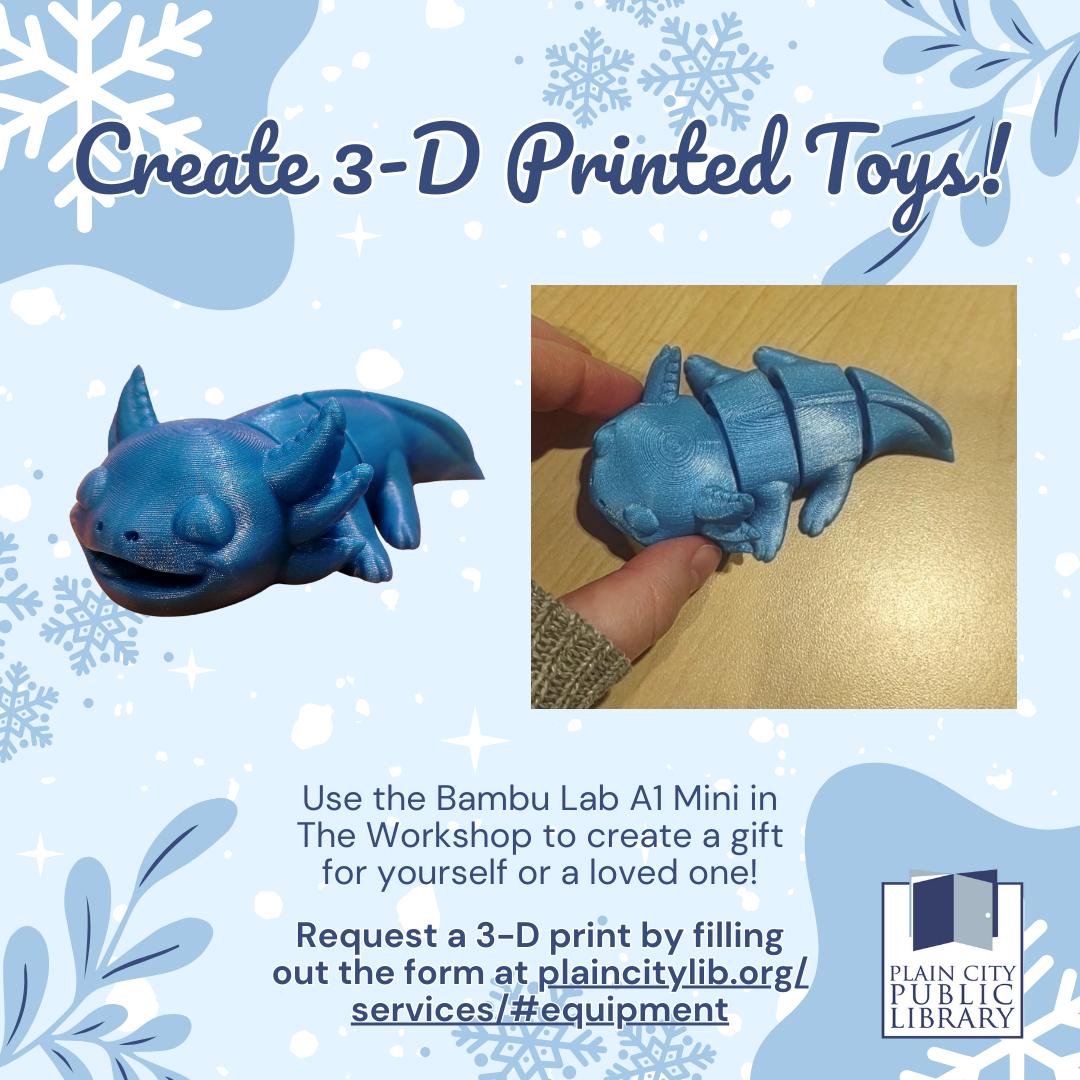
Did you know you we have 3-D printers at the library? Our Bambu Lab A1 Mini printers are perfect for printing small yet durable items. You can even print your own toys, including ones with movable parts like pictured above! You can design your own 3-D model to print using free software such as TinkerCad, or find free pre-made designs on websites like Thingiverse.com. Once you have your design, simply fill out the 3-D print request form at https://www.plaincitylib.org/services/#equipment.

Book Sale

Public libraries have limited funds and floor space so it’s important to make the most of both. Librarians look at factors such as usage statistics, condition, relevancy, and age when evaluating which items to withdraw from a collection. Few people love books more than a librarian. We value every book, movie, game and more which makes the decision to remove an item extremely difficult. But using the factors listed above as guiderails, public libraries are able to objectively withdraw material to make room for new, more relevant, and requested items.

After an item has been removed from our collection, we rely on partners like the Friends of the Plain City Public Library to help with responsible disposal through book sales, promotional giveaways, and in cases when material is damaged or obsolete, recycling.  Book sales are an efficient way to make withdrawn items available to community members while raising funds to support library programs and services.  In 2025, the Friends of the Plain City Public Library supplied workshop equipment, program supplies, and support for our annual Summer Reading Program series for all ages.

Interested in being a Friend? Shop at the next book sale on Saturday, Dec. 6th, at the library, from 10am to 5pm.  And consider attending a Friends of the Library meeting on the third Wednesday of the month at 7pm to hear more about library news and events.

Drive-Up Window

Pick up your Library material from our convenient drive-up window located on the west side of the building, connected to the Workshop and Community Room. The drive-up window is open during the following days and times*: Monday-Friday 9:30am-1:00pm.

Placing Your Holds

Picking Up Your Holds

  • As always, we will notify you when your holds are ready to pick up. We will hold your items at the drive-up window for 3 days.
  • Pull up to the window for service during our open hours listed below.
  • When you arrive, ring the bell to the left of the drive-up window then show your library card or photo ID to check out. Your items will be handed to you through the drive-up window.

Returning Material

  • A book return slot is conveniently located next to the drive-up window, in addition to the return slot at the rear of the building.

Other Services

  • Black and white copies up to 25 pages

  • Faxing services

Drive-Up Window Hours

Monday-Friday: 9:30am-1:00pm

Share Some Ideas

Do You Have a Tip or an Idea for a Story? Tell Us About It.
Submit Article